

4K and HD pet wallpapers for desktop and laptop
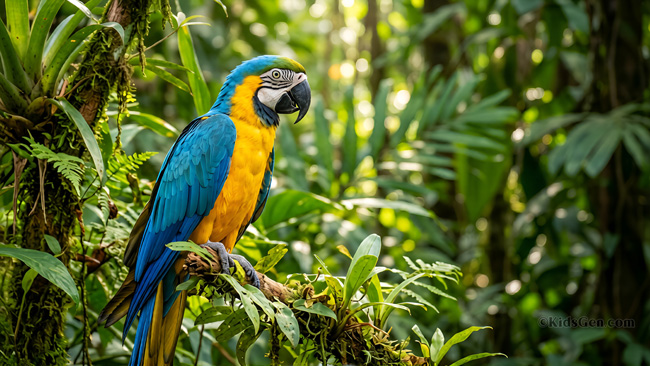
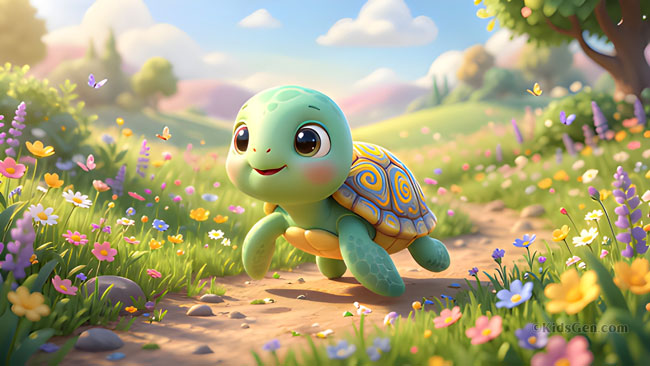
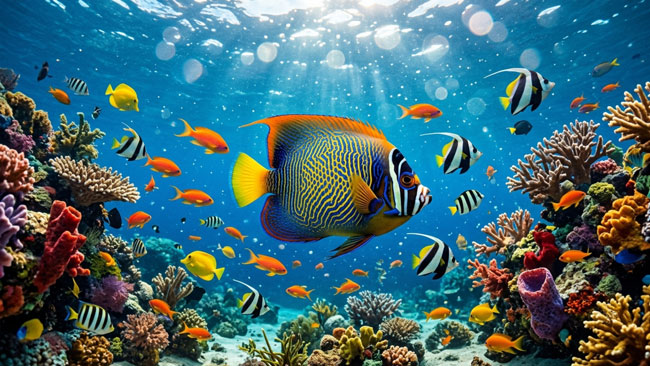
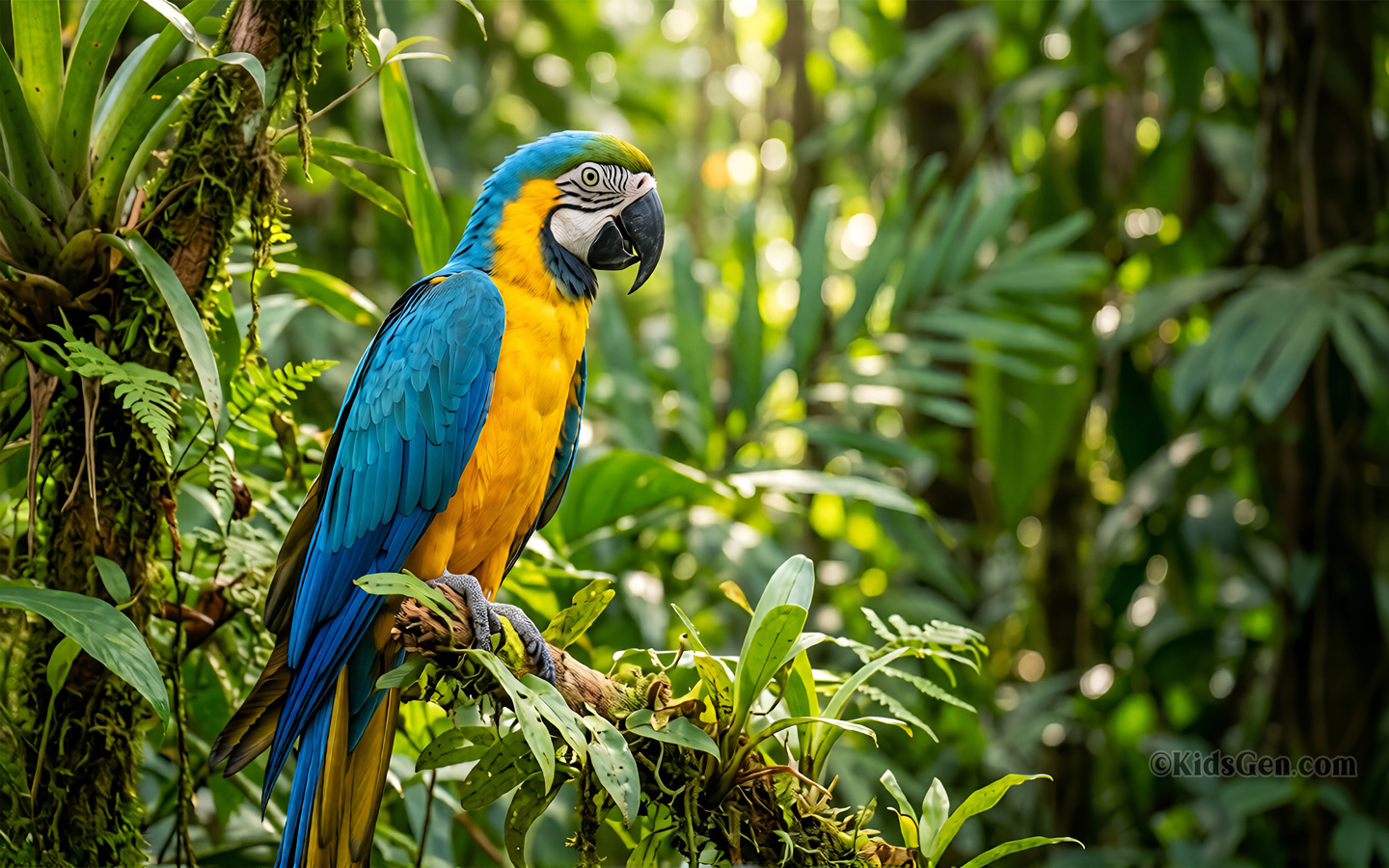
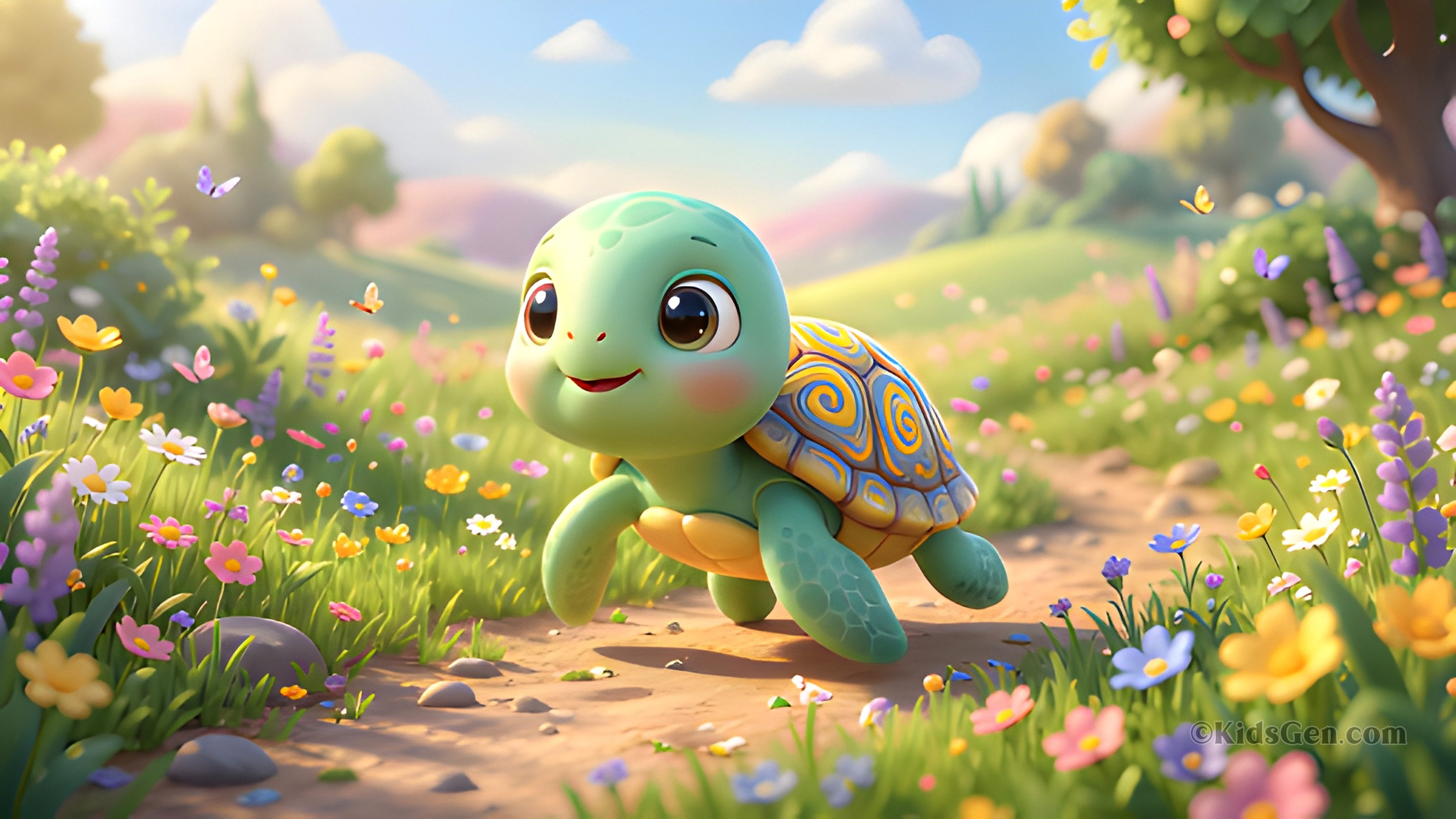
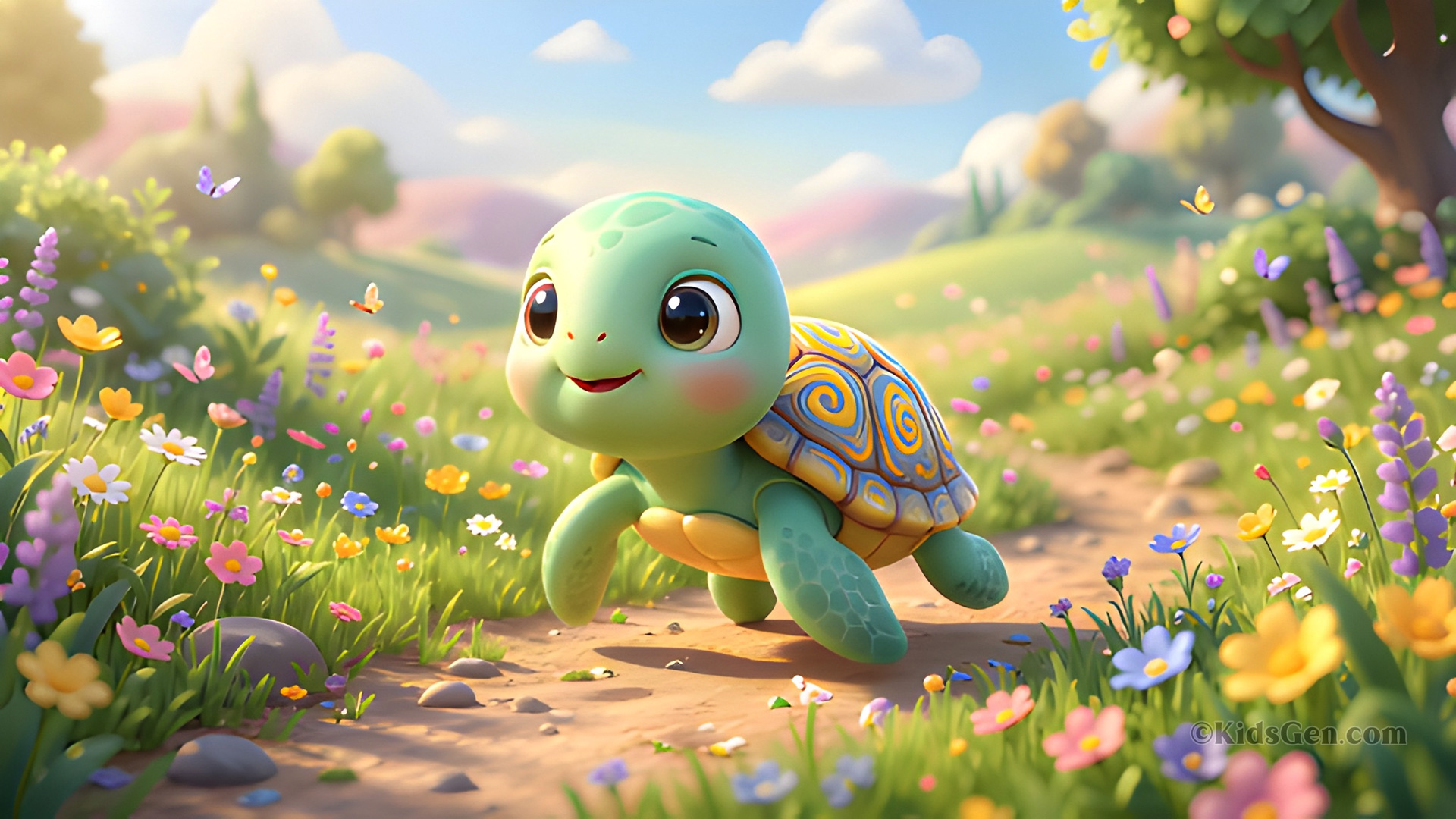
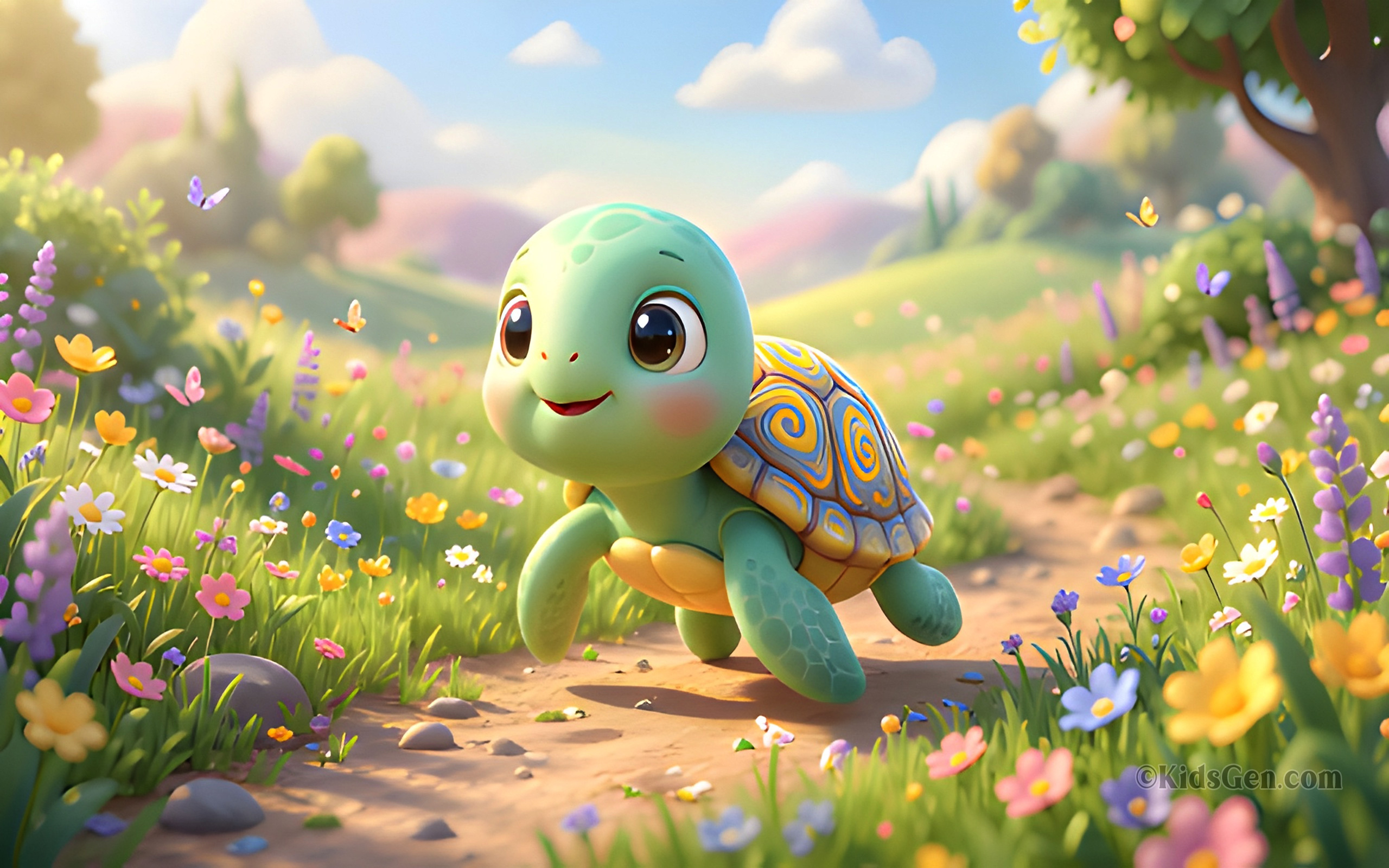
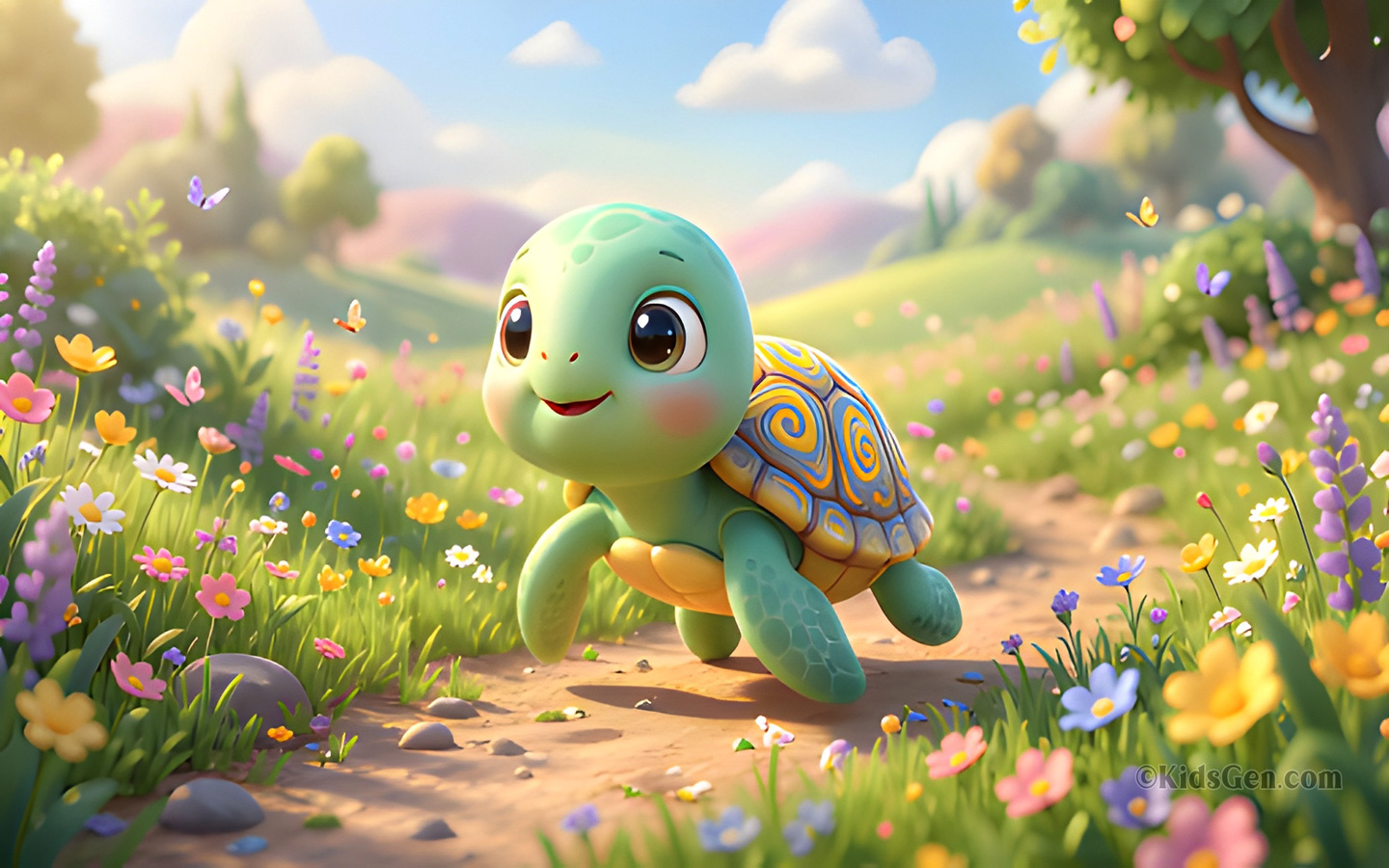
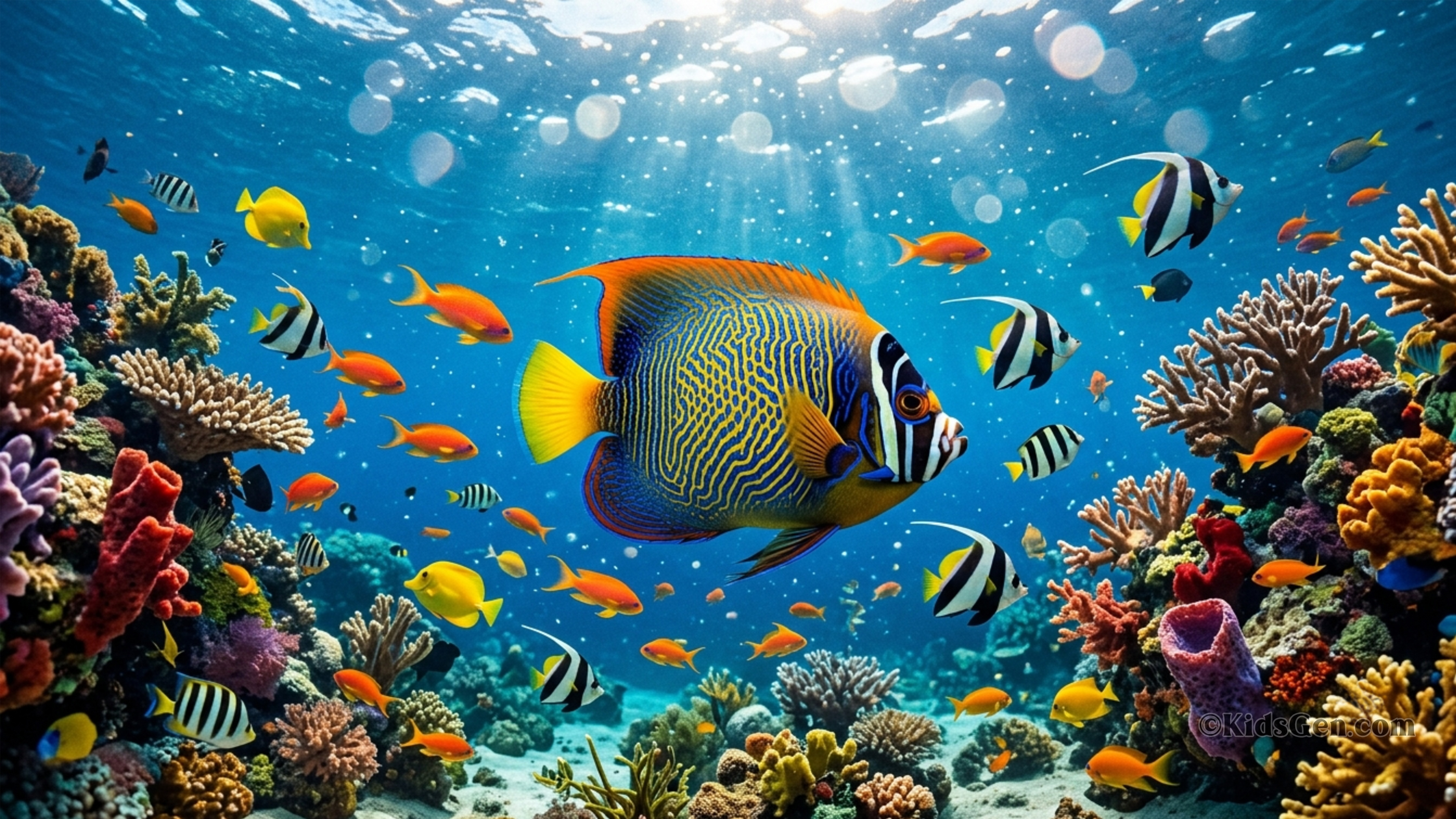
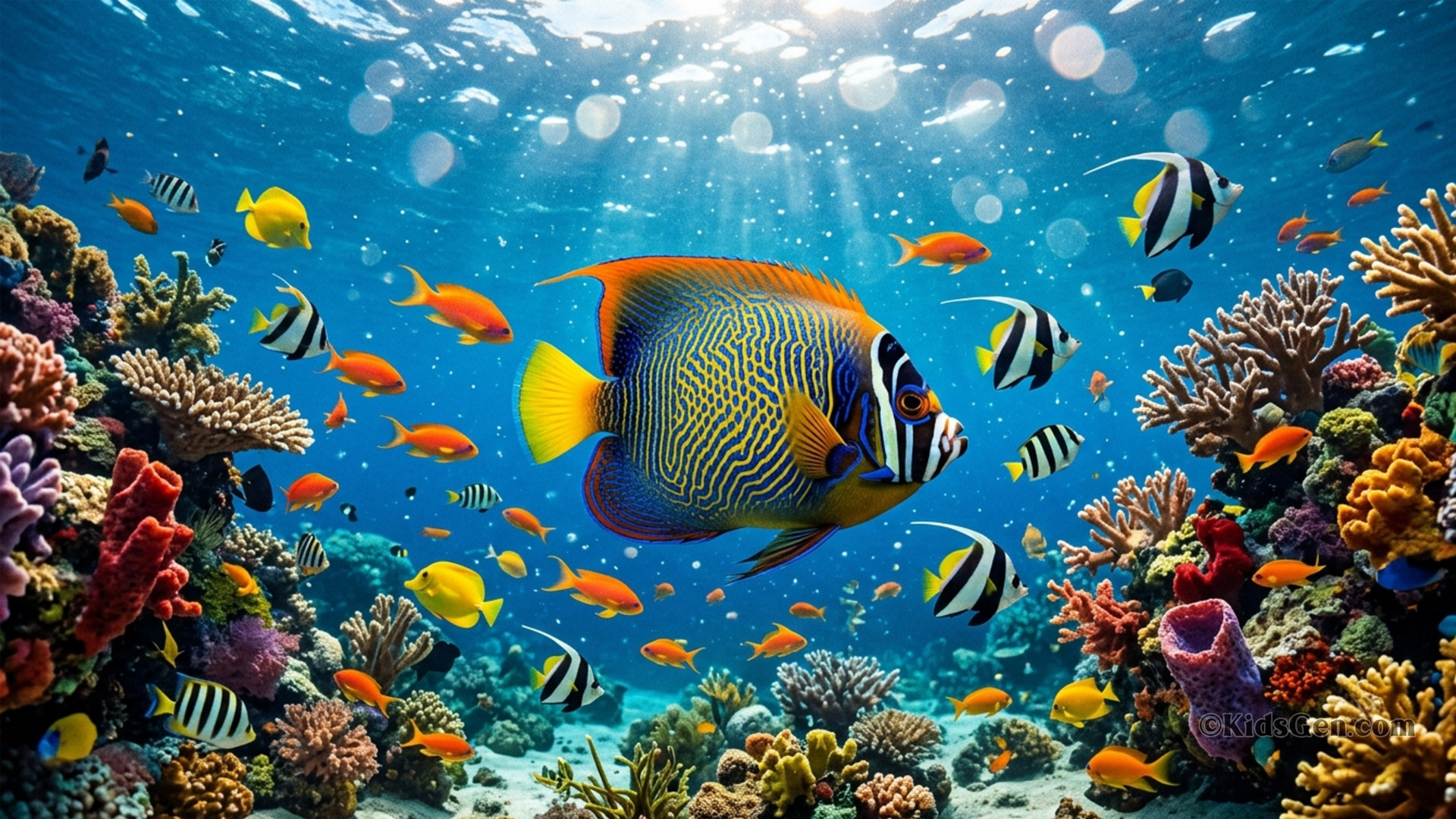
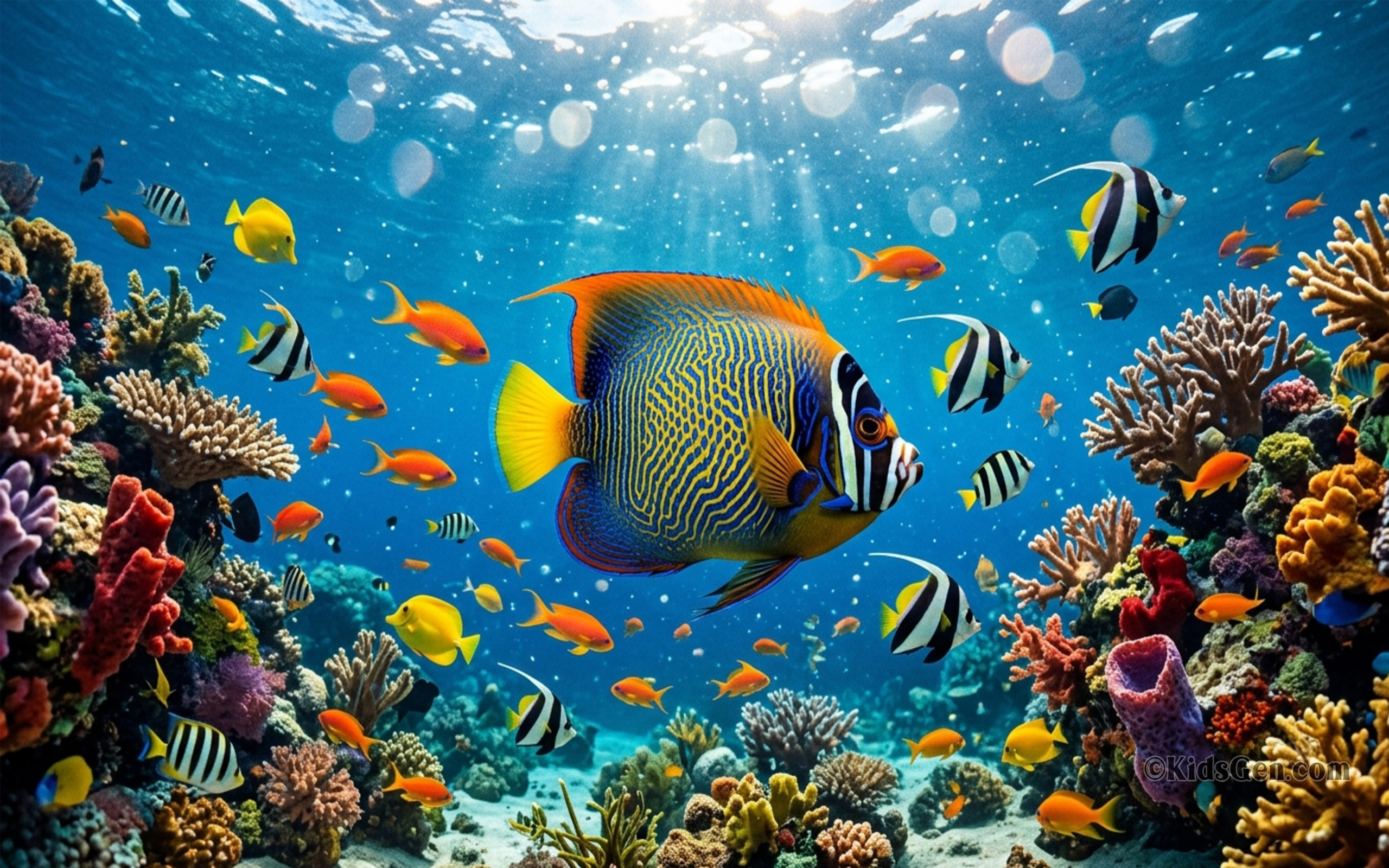
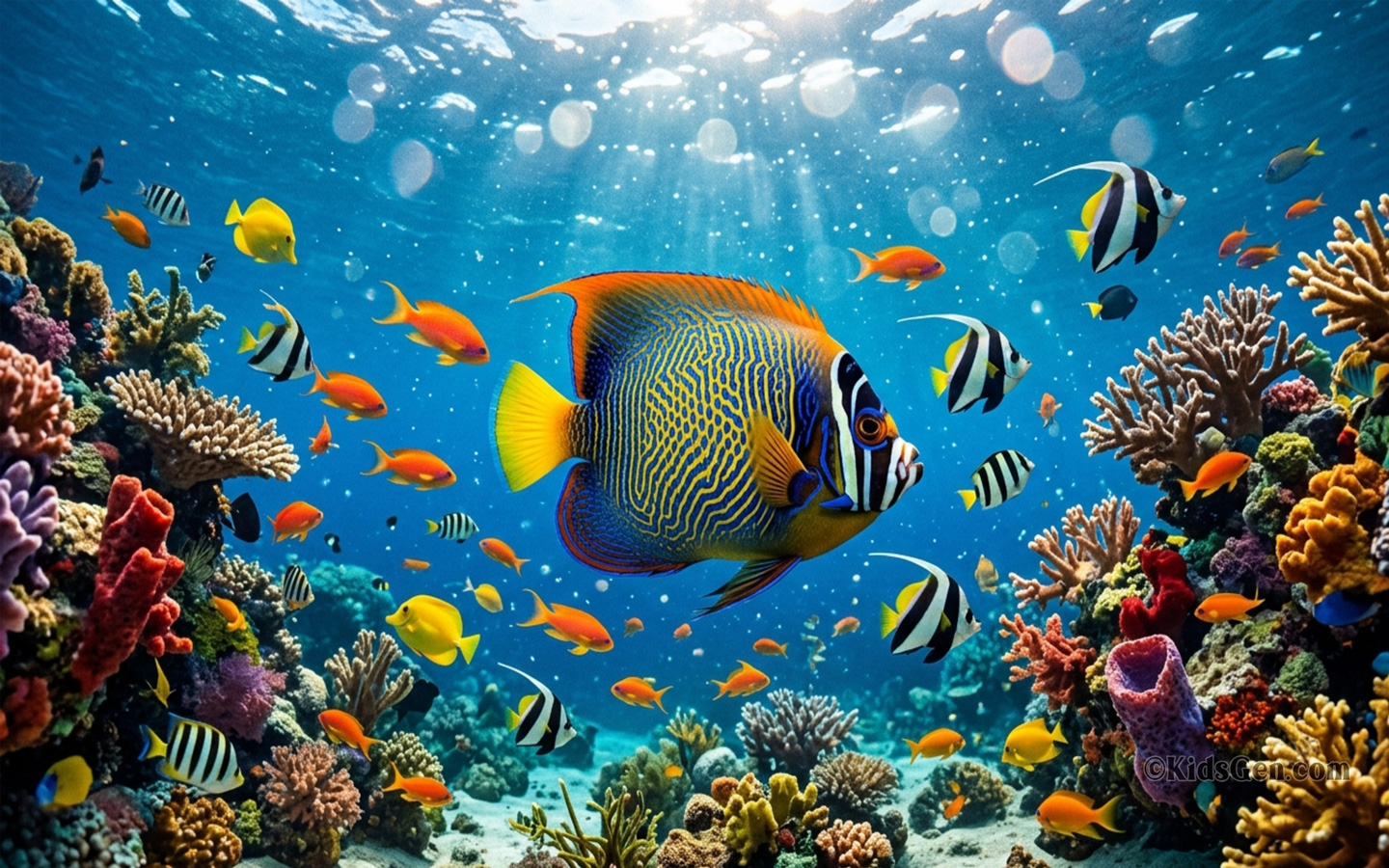
Sharp 16:9 pet backgrounds for monitors, laptops and TVs. Pick 4K (3840x2160) for large, high-resolution screens or Full HD (1920x1080) for standard displays.





Cute 4K and HD pet wallpapers for your mobile phone
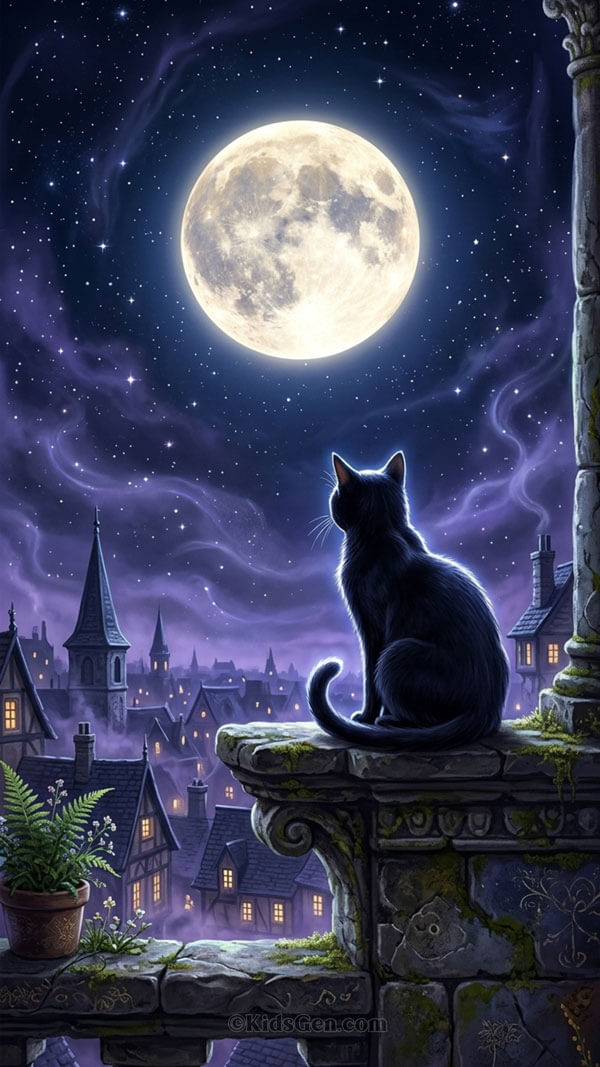
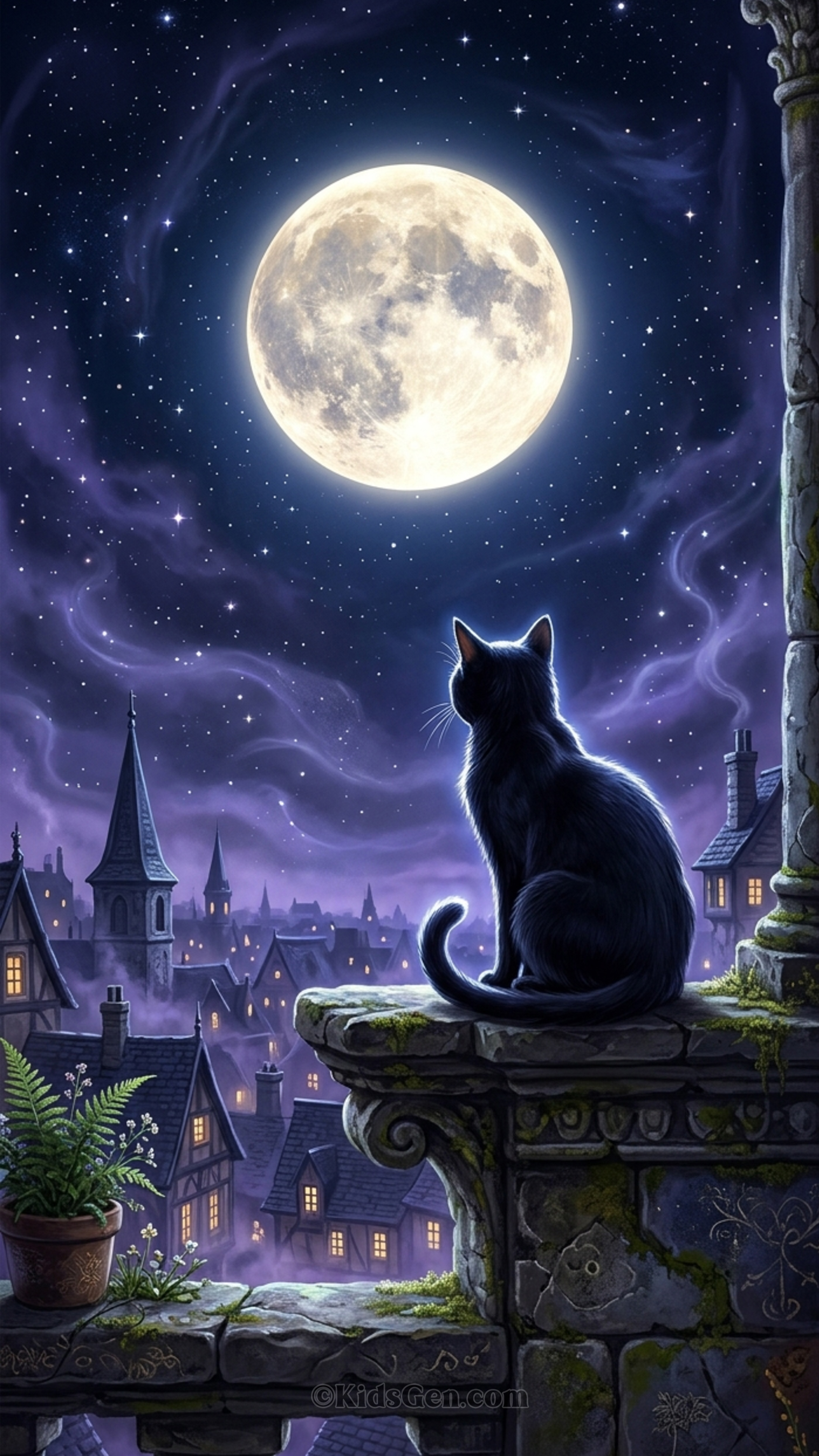
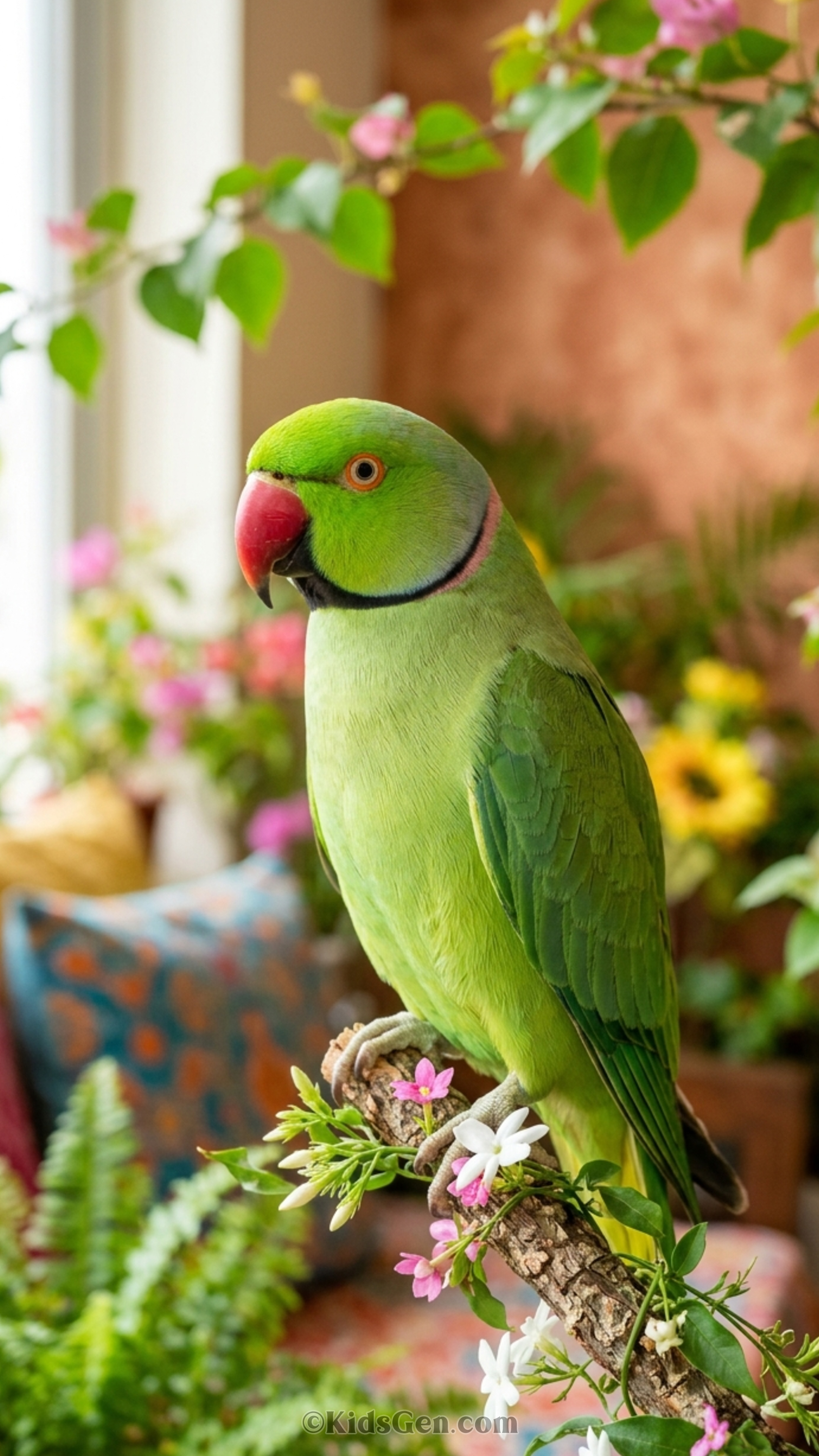
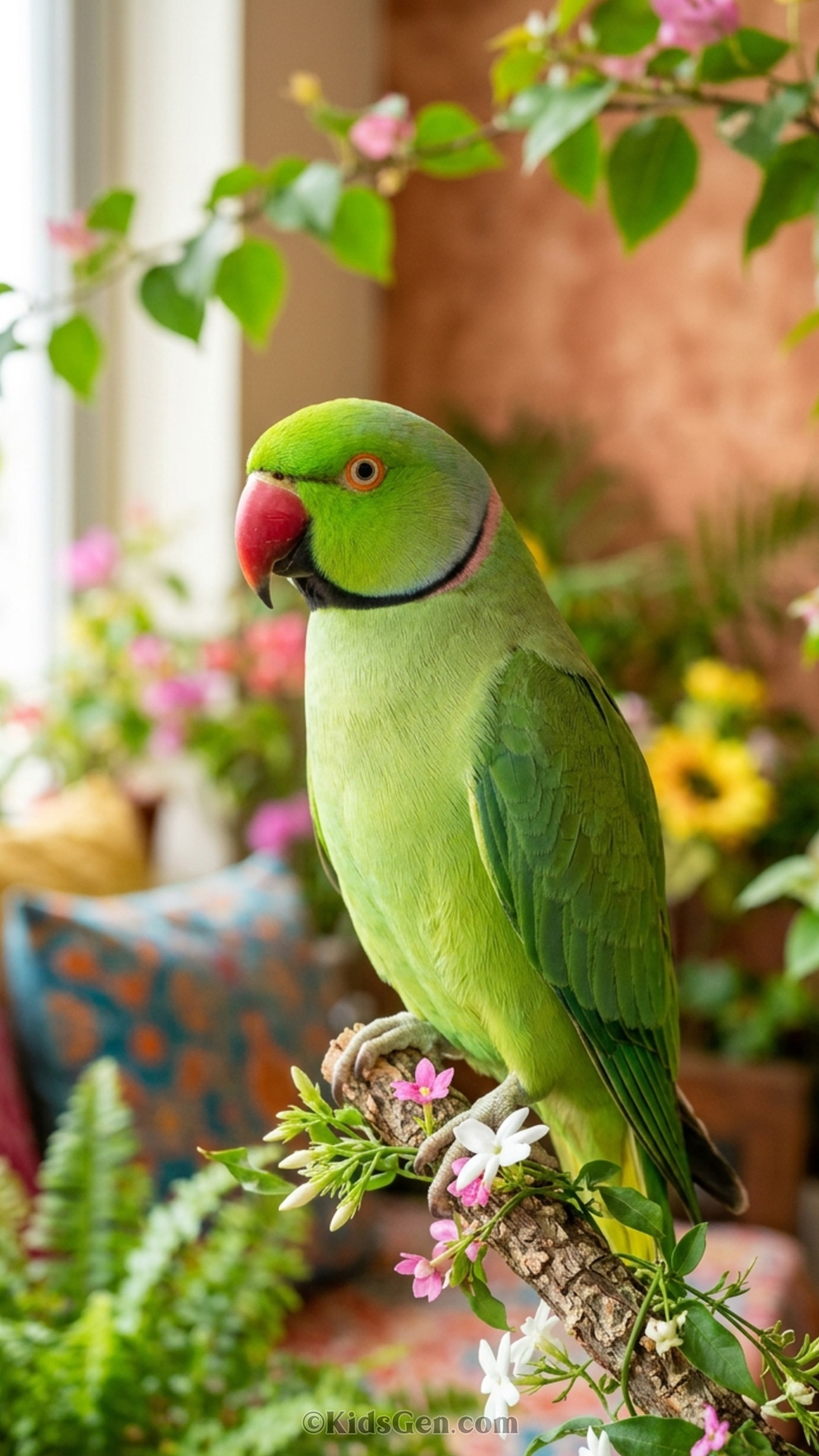
Tall 9:16 pet wallpapers made for Android phones and iPhones, in 2160x3840 (4K) and 1080X1920 (FHD). They fit lock screens and home screens.


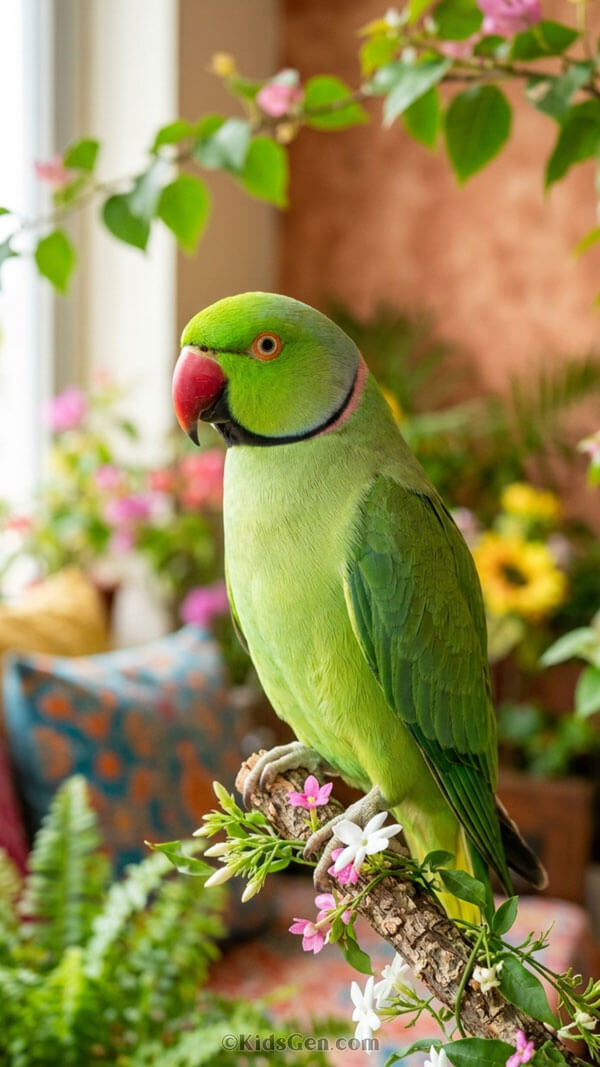

Square pet wallpapers for profile pictures, tablets and social posts
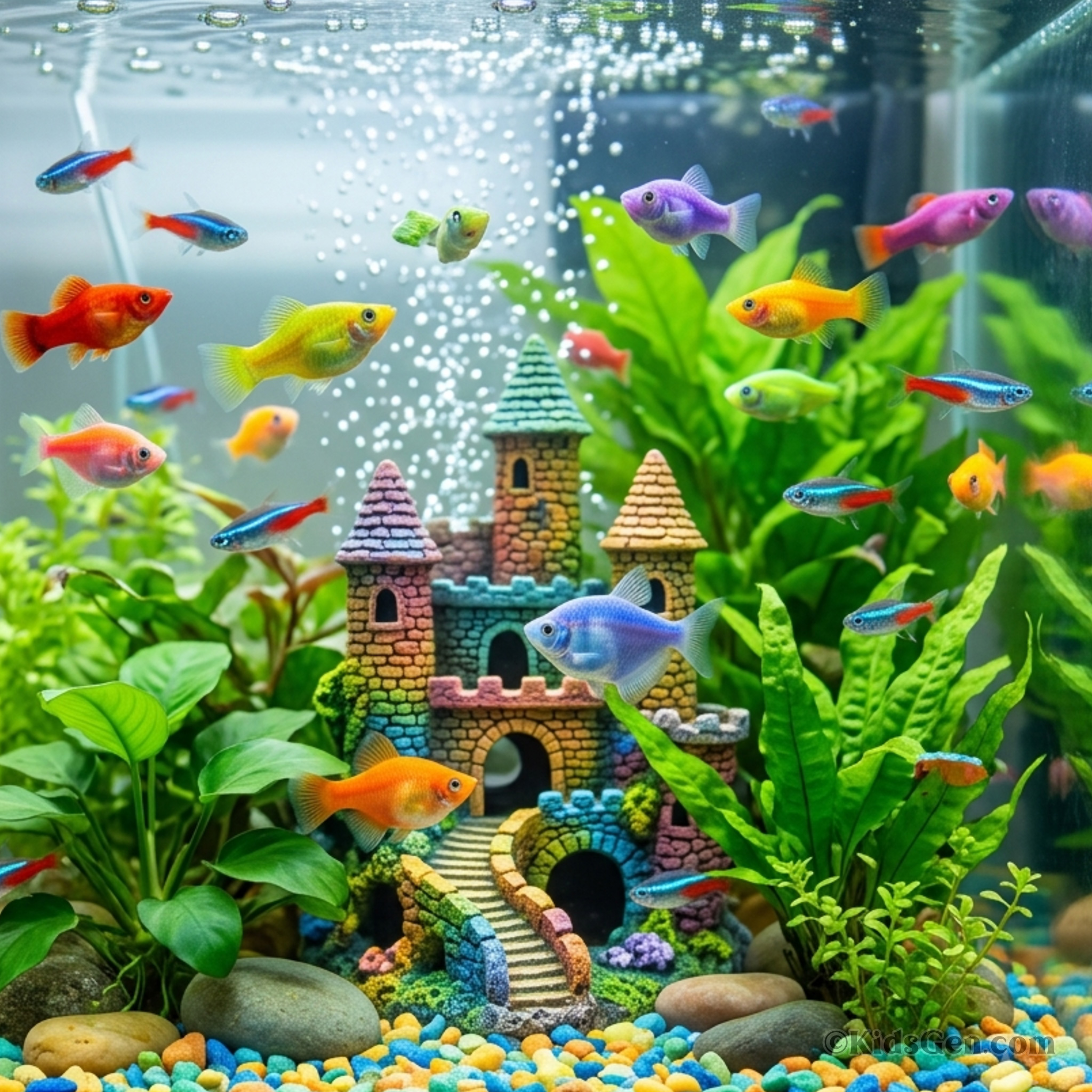
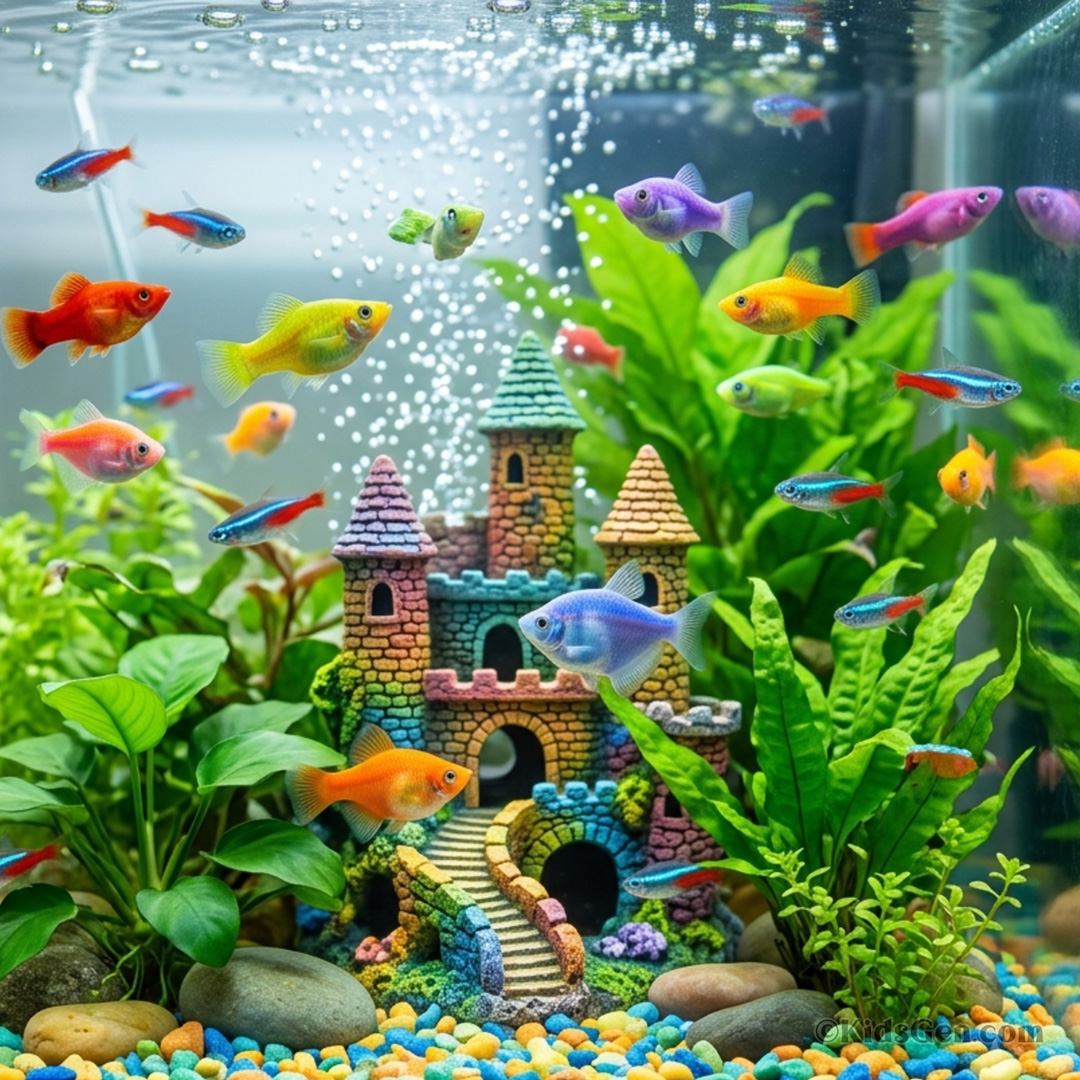
Perfectly balanced 1:1 pet pictures in 1080x1080 and 2048x2048, handy for profile photos, social posts, smart displays and some tablets.












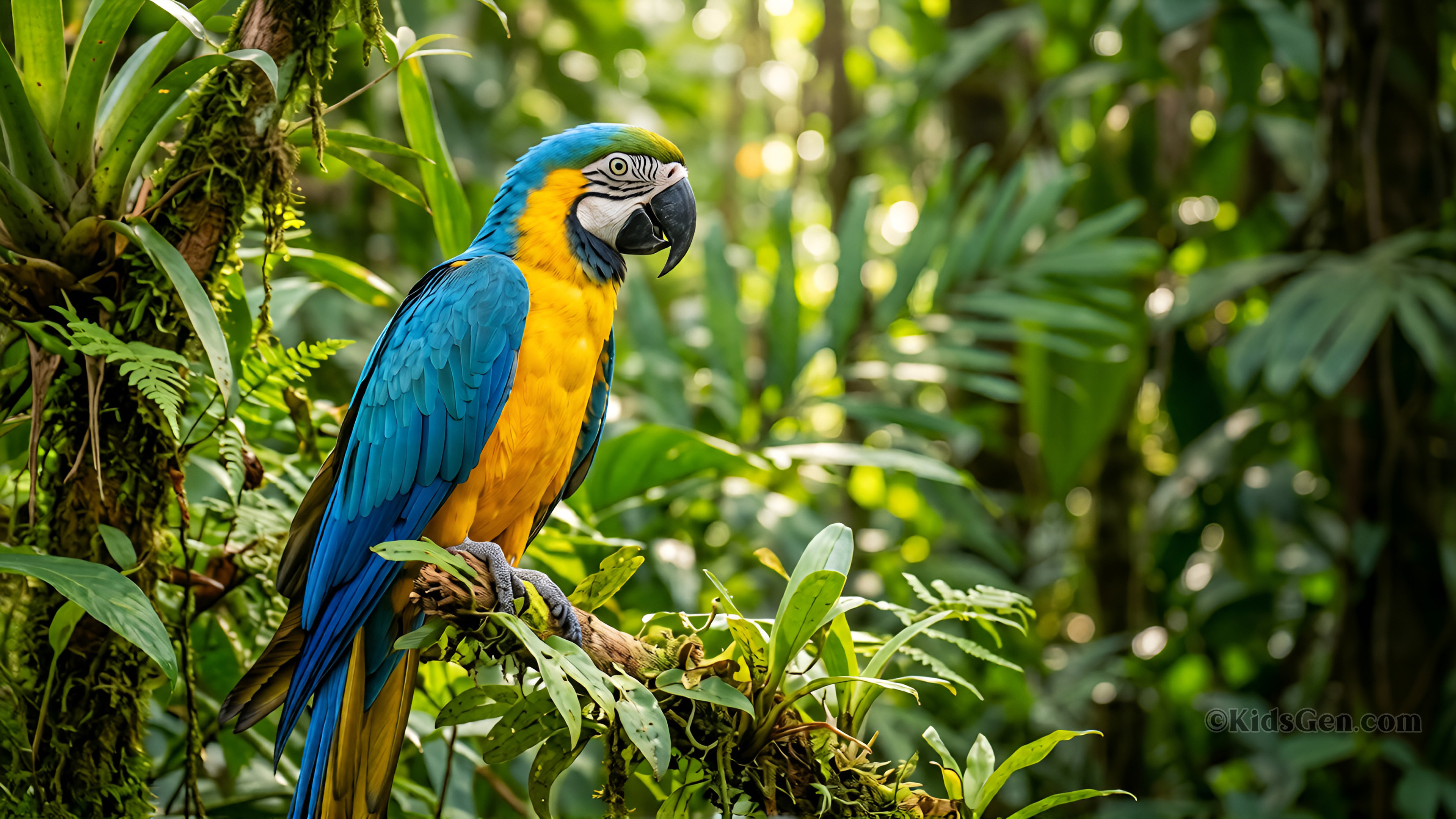
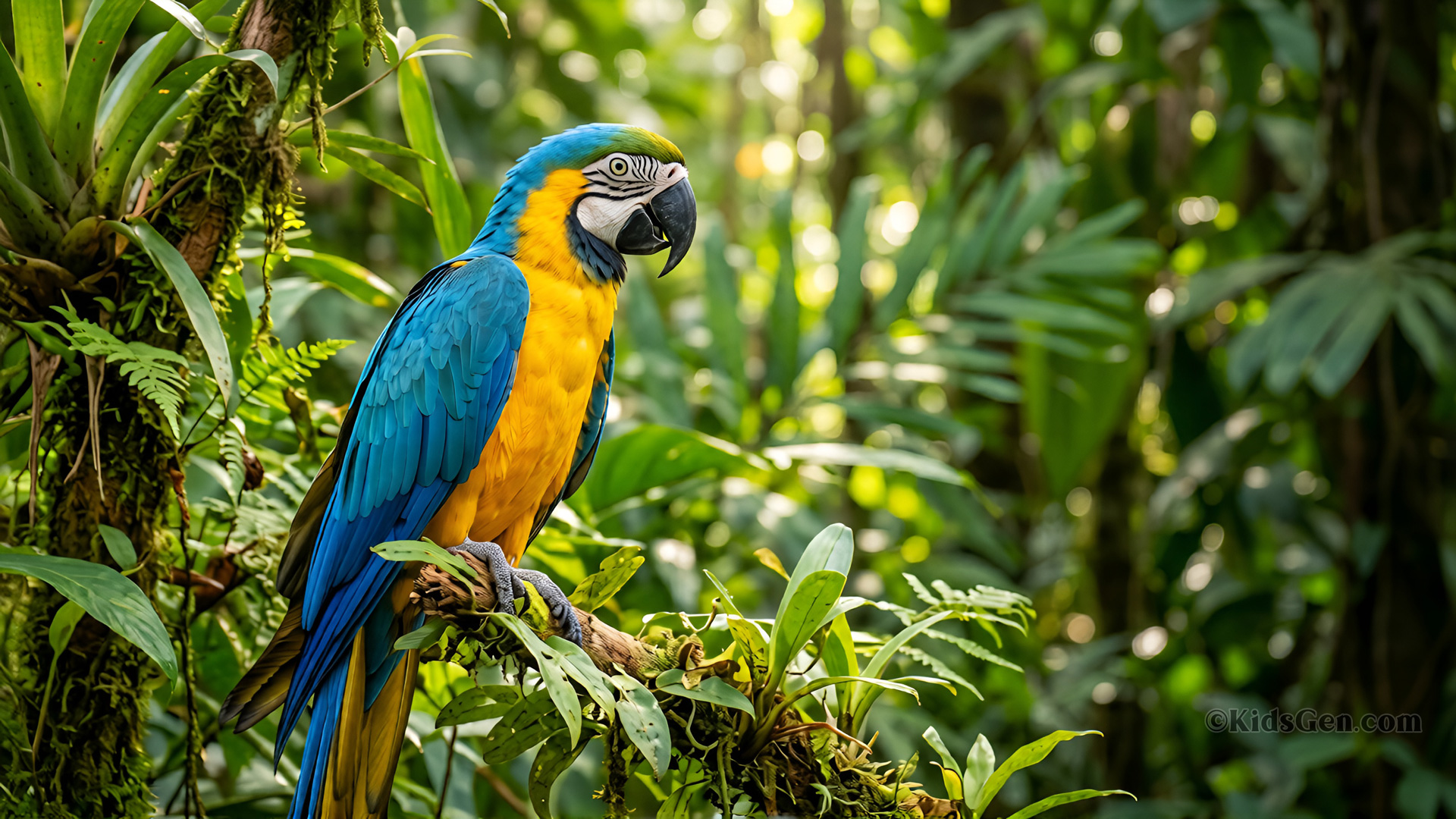
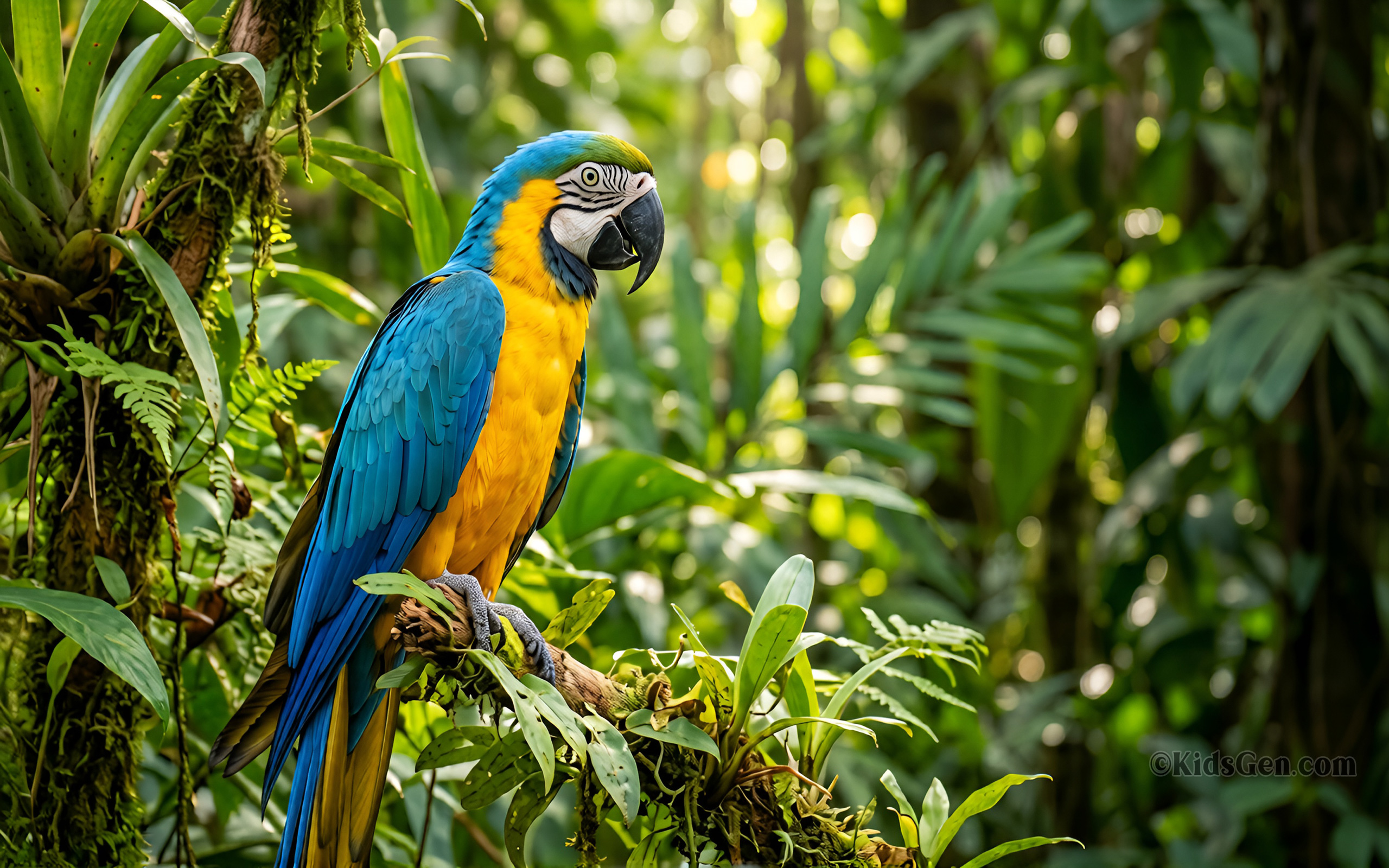

























Wallpaper size guide
| Type | Sizes | Ratio | Best for |
|---|---|---|---|
| 4K & HD | 3840×2160, 1920×1080 | 16:9 | Desktop monitors, laptops, TVs |
| Mobile | 2160×3840, 1080×1920 | 9:16 | Android phones and iPhones |
| Square | 2048×2048, 1080×1080 | 1:1 | Profile pictures, social posts, smart displays |
How to set a pet wallpaper
On a phone
- Tap a mobile size to download.
- Open the picture in your gallery or Photos app.
- Choose Set as wallpaper and pick lock screen, home screen or both.
On Windows or Mac
- Download a 4K or HD size.
- Windows: right-click it and choose Set as desktop background.
- Mac: open System Settings > Wallpaper and add the image.
As a profile picture
- Download a square size.
- Upload it in your app's profile settings.
- Crop the circle to centre the pet's face.
Frequently asked questions
Are these pet wallpapers free to download?
Yes. All 18 pet wallpapers are free for personal use as backgrounds on your own devices. Please do not sell or republish them.
Which size should I download for my screen?
For a desktop, laptop or TV choose 4K (3840x2160) if your screen is high resolution, otherwise Full HD (1920x1080). For phones choose 1080x1920 or 1440x2560. For profile pictures and social posts choose a square size.
How do I set a wallpaper on my phone?
Download the picture, open it in your gallery or photos app, tap the menu and choose Set as wallpaper (Android) or Use as Wallpaper from the share menu (iPhone). Then pick lock screen, home screen or both.
How do I set a wallpaper on Windows or Mac?
On Windows, right-click the downloaded image and choose Set as desktop background. On a Mac, open System Settings, choose Wallpaper and add the image from your downloads folder.
What does 4K mean?
4K, or UHD, means 3840 by 2160 pixels, four times as many as Full HD. It looks extra sharp on large, modern screens.
Can I use a square wallpaper as a profile picture?
Yes. Square 1:1 images are ideal for profile pictures and avatars because they will not be cropped awkwardly.